MagnifierPlus MagnifierPlus
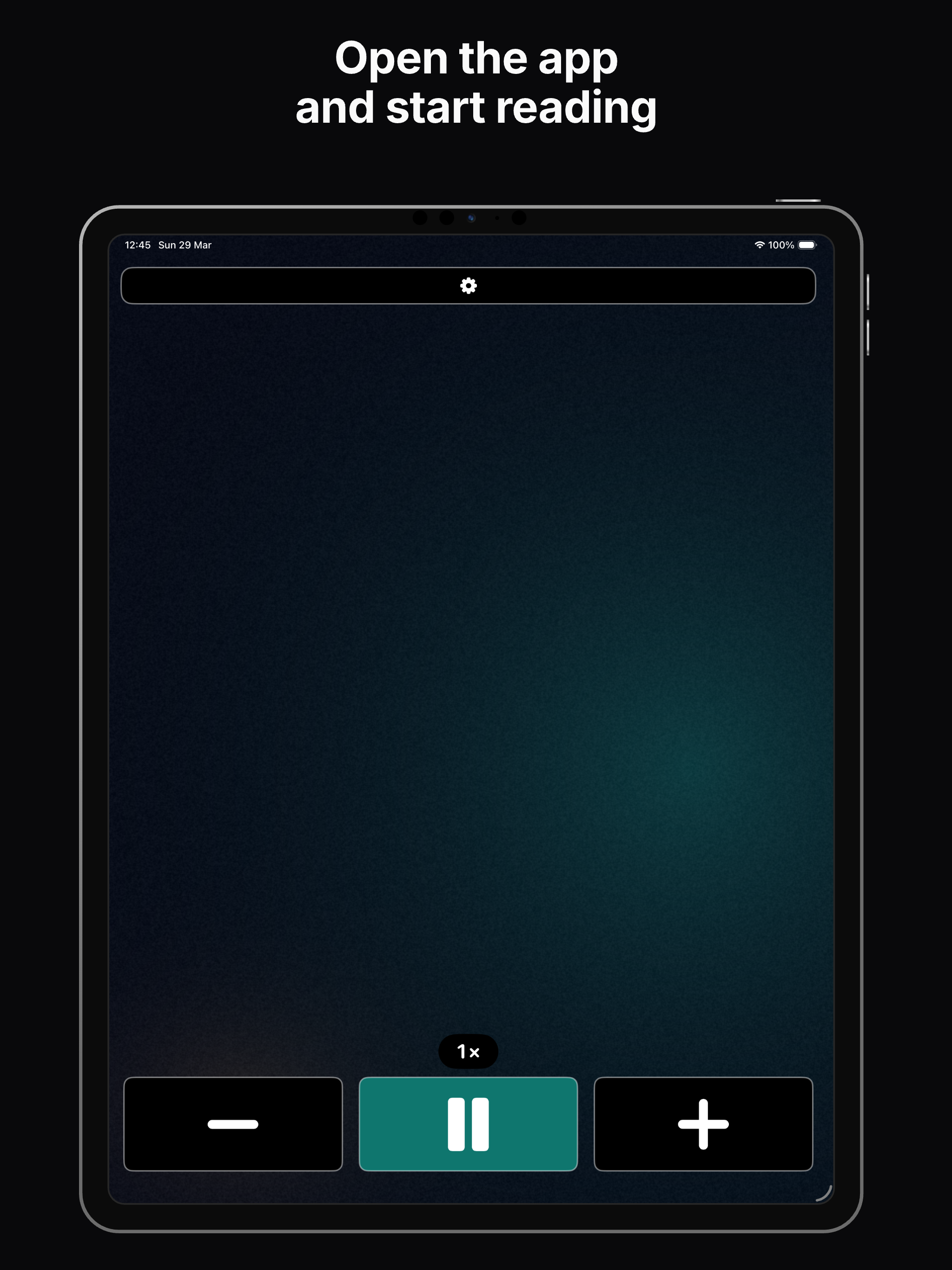
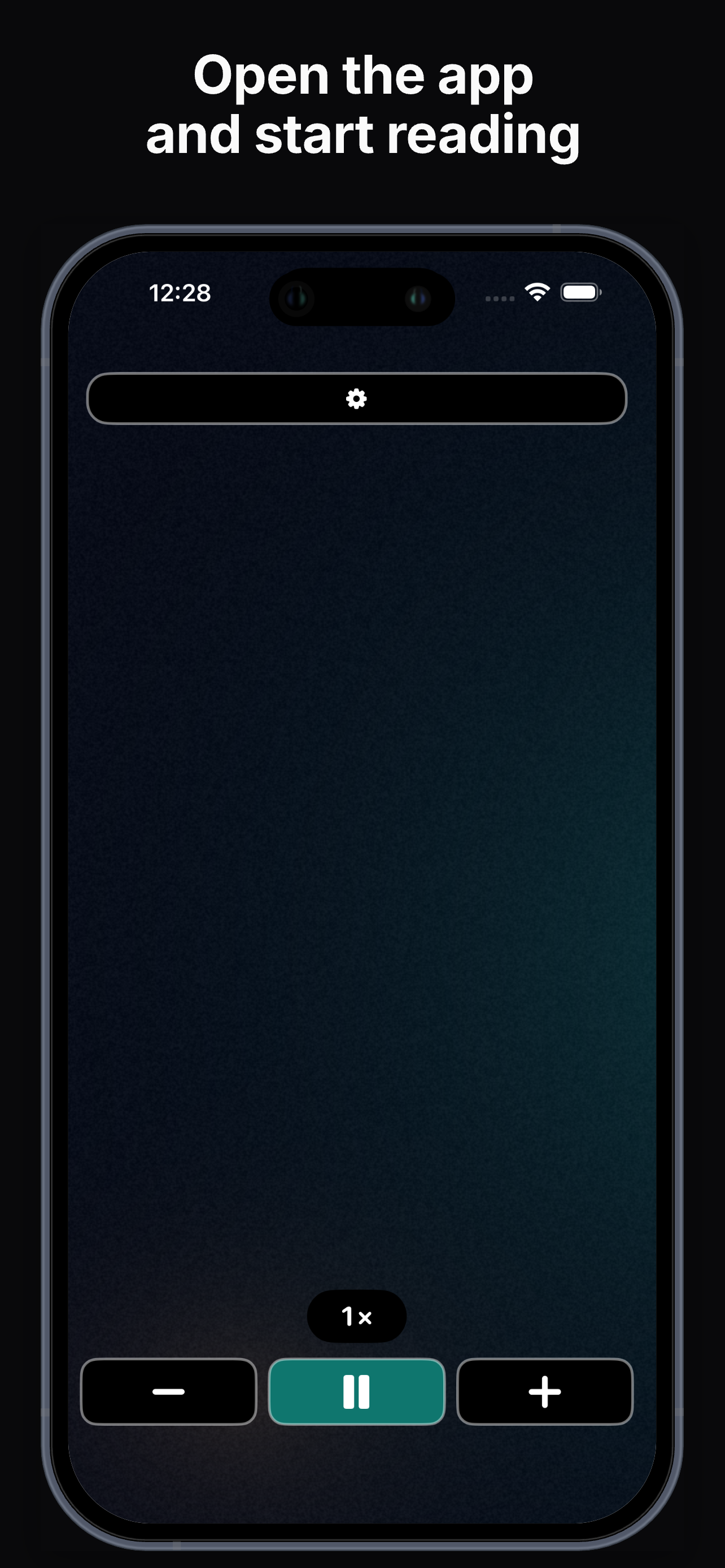
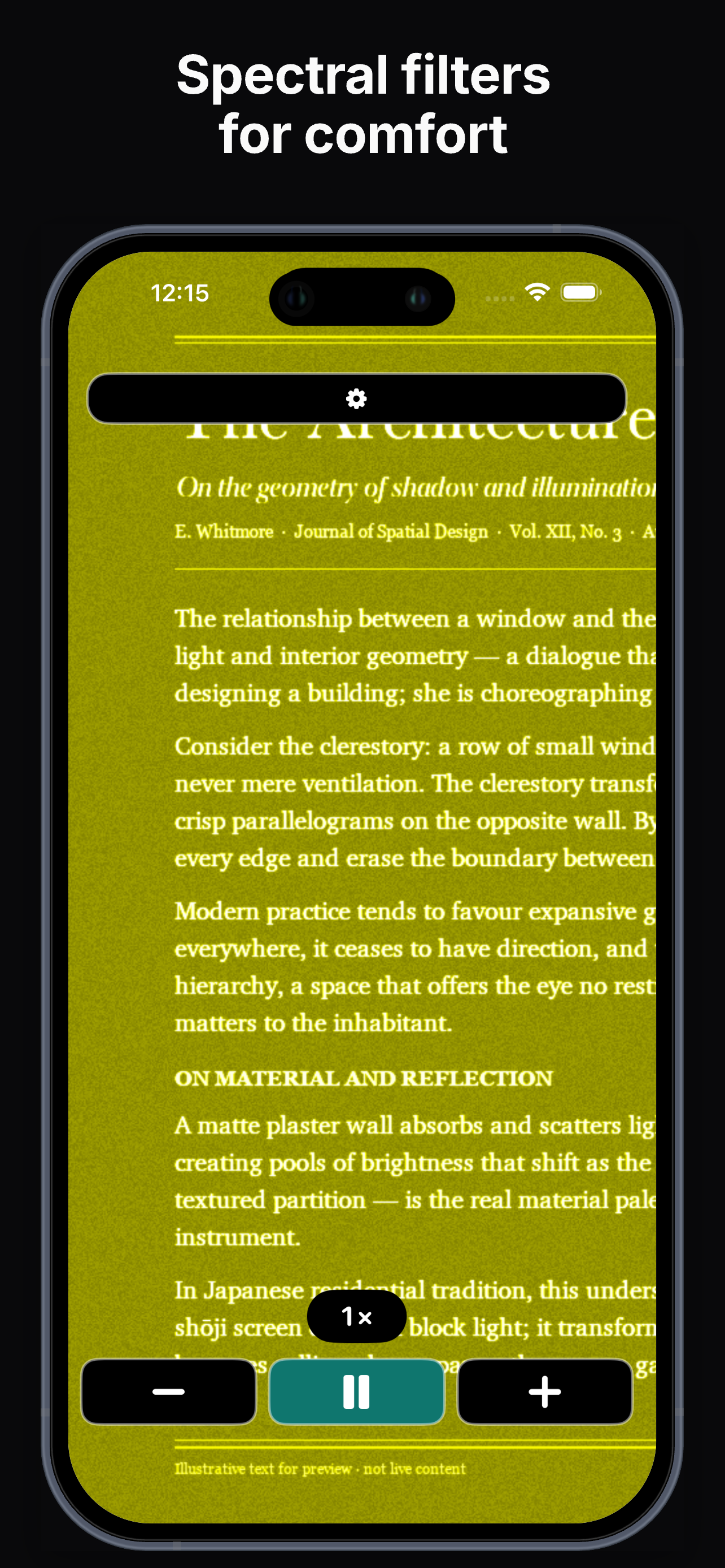
Open the app and read — no setup, no accounts. High zoom, freeze frame, and contrast modes for accessibility.
I originally built MagnifierPlus for my grandpa. So I'll do my best to keep it useful for him — and for you.
Download: App Store link after release.
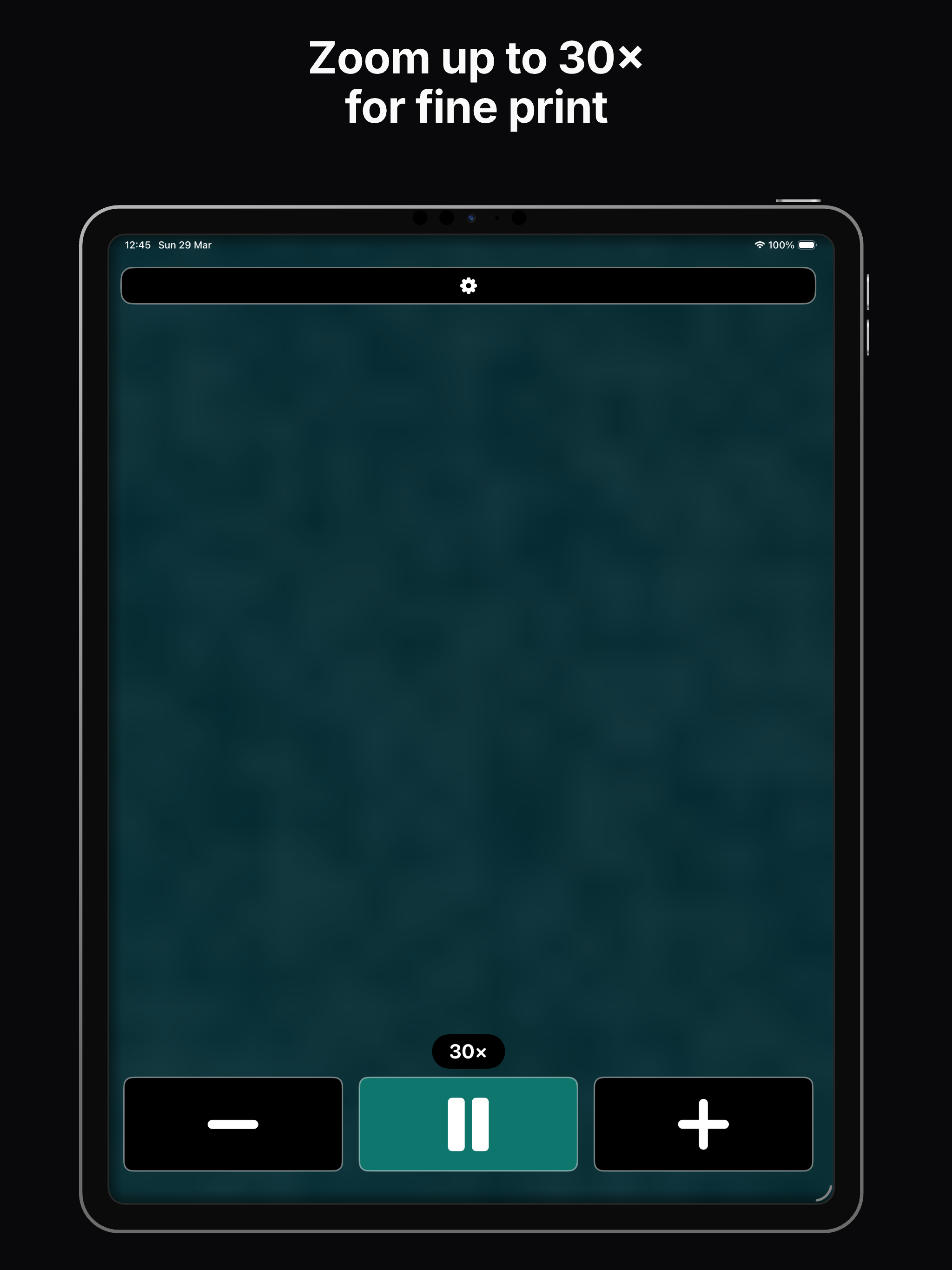
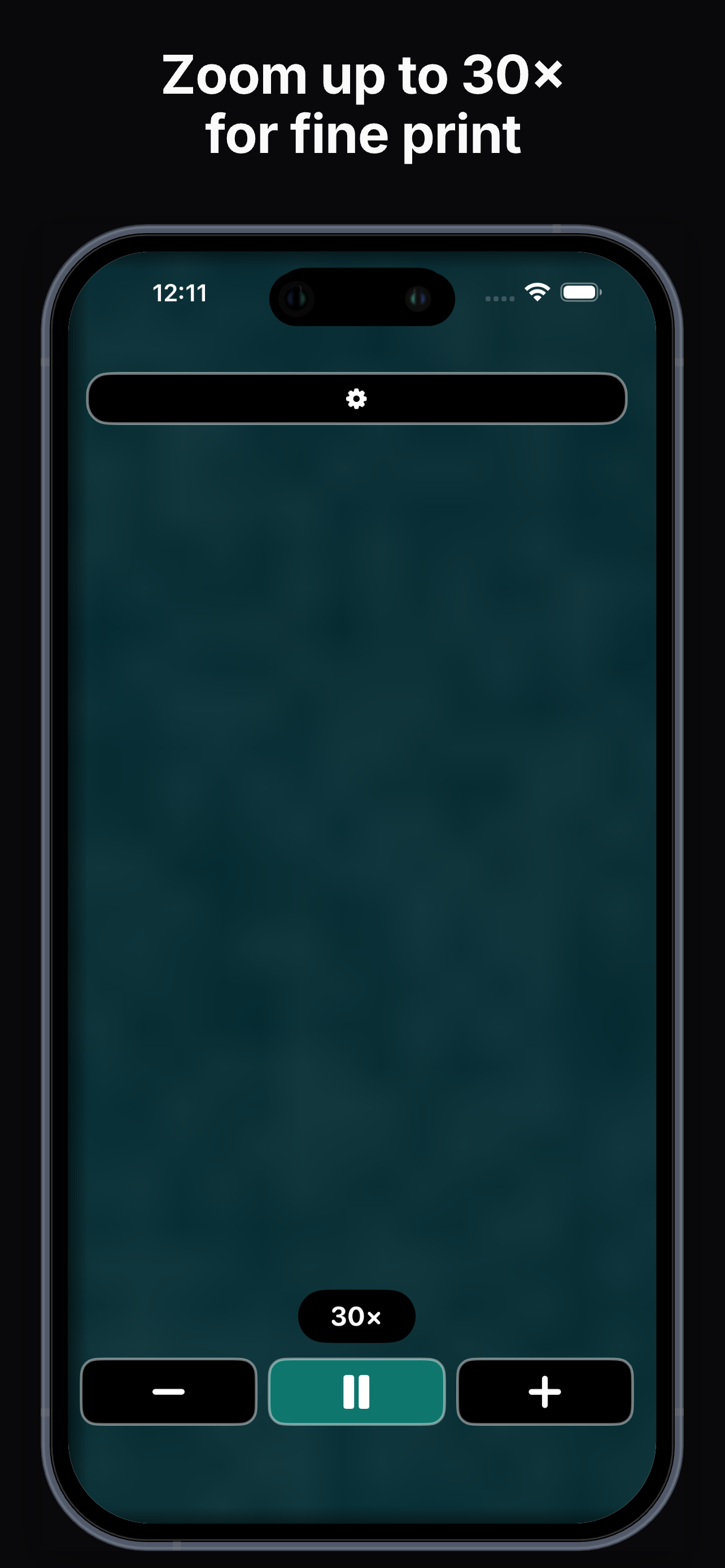
Use the − and + buttons at the bottom. Hold a button to zoom repeatedly. The current zoom level appears at the top when the camera is active.
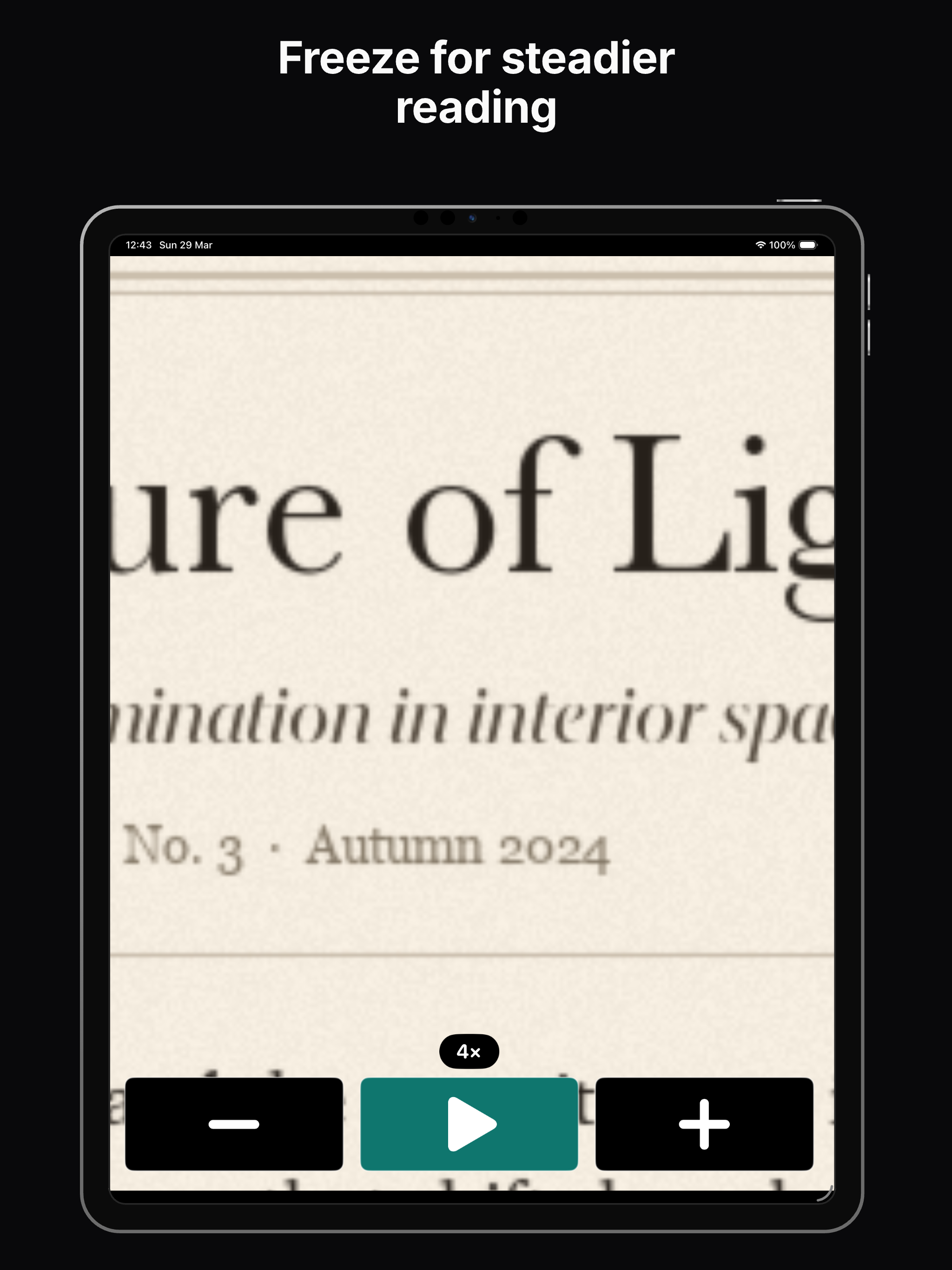
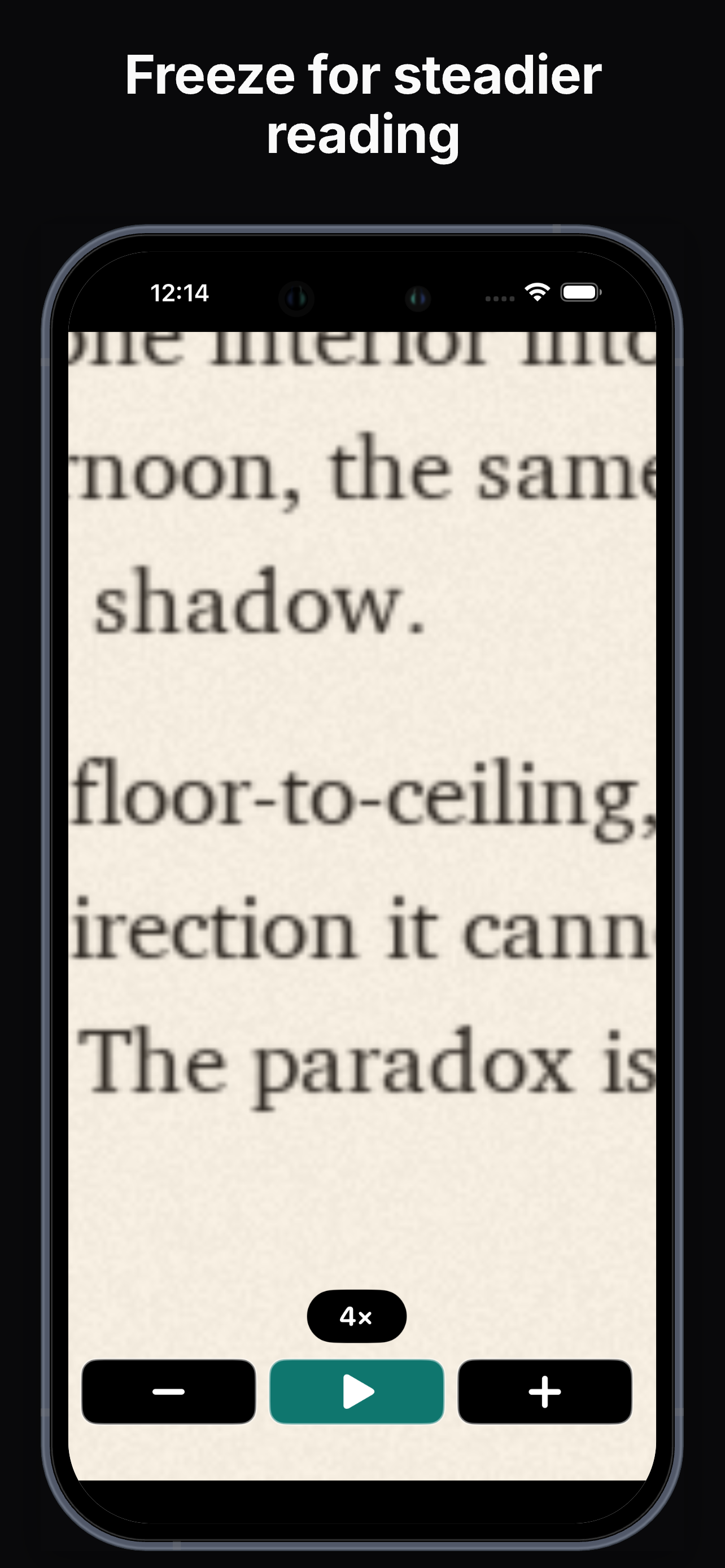
Tap Pause to capture a still image. You can zoom and pan on the frozen image to read with less hand tremor. Tap Play to return to the live camera.
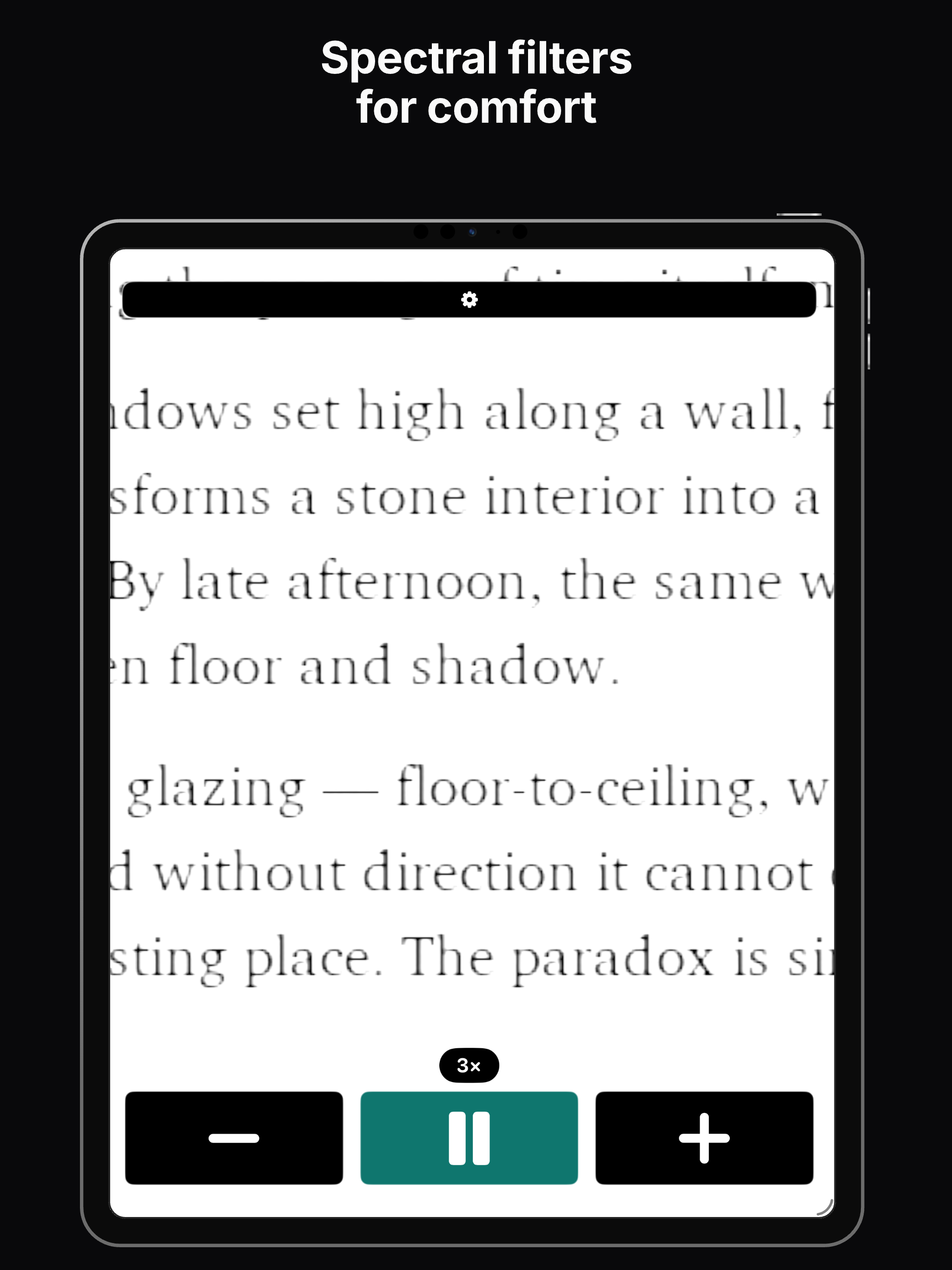
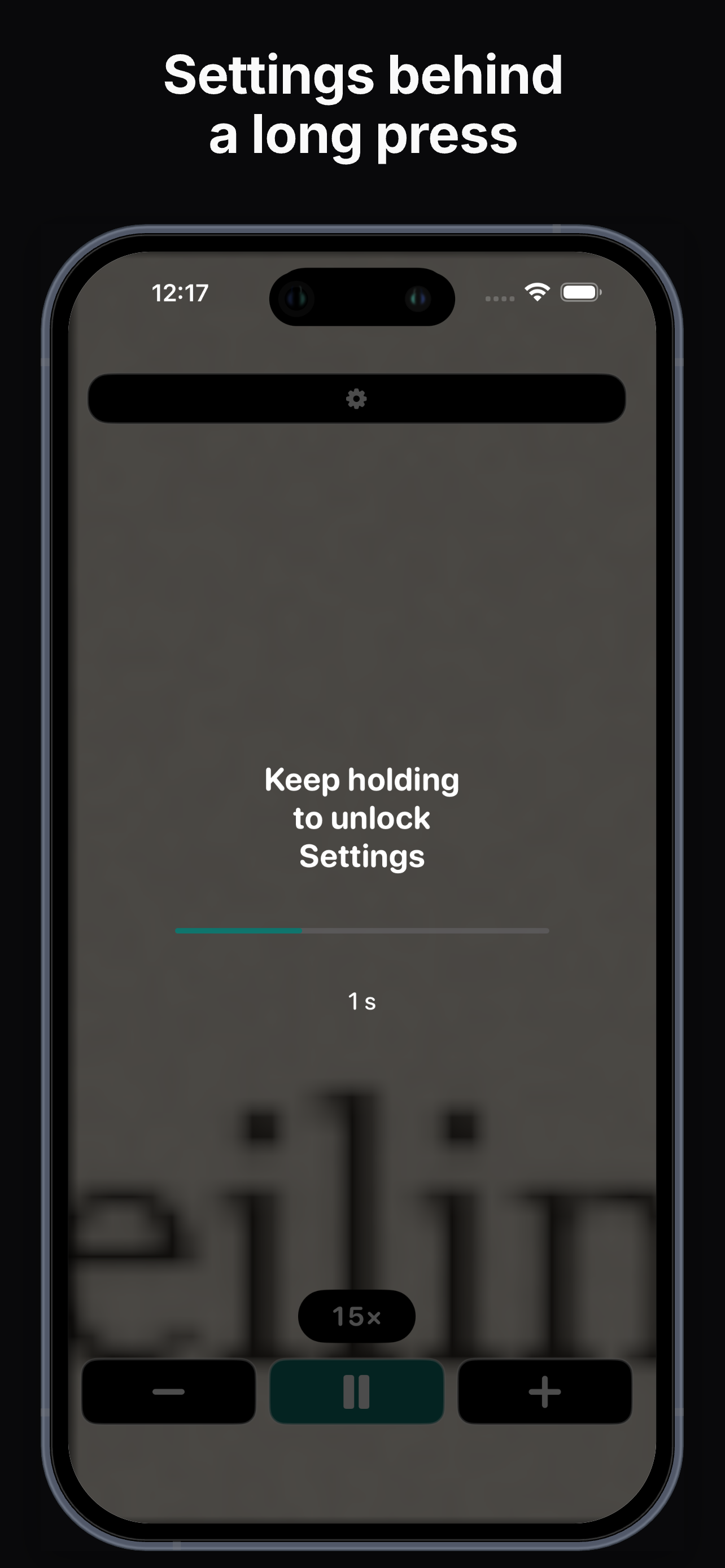
Open Settings (long-press the gear), then enable filter toggles on the main screen if you want. You can set a default filter for when the app opens.
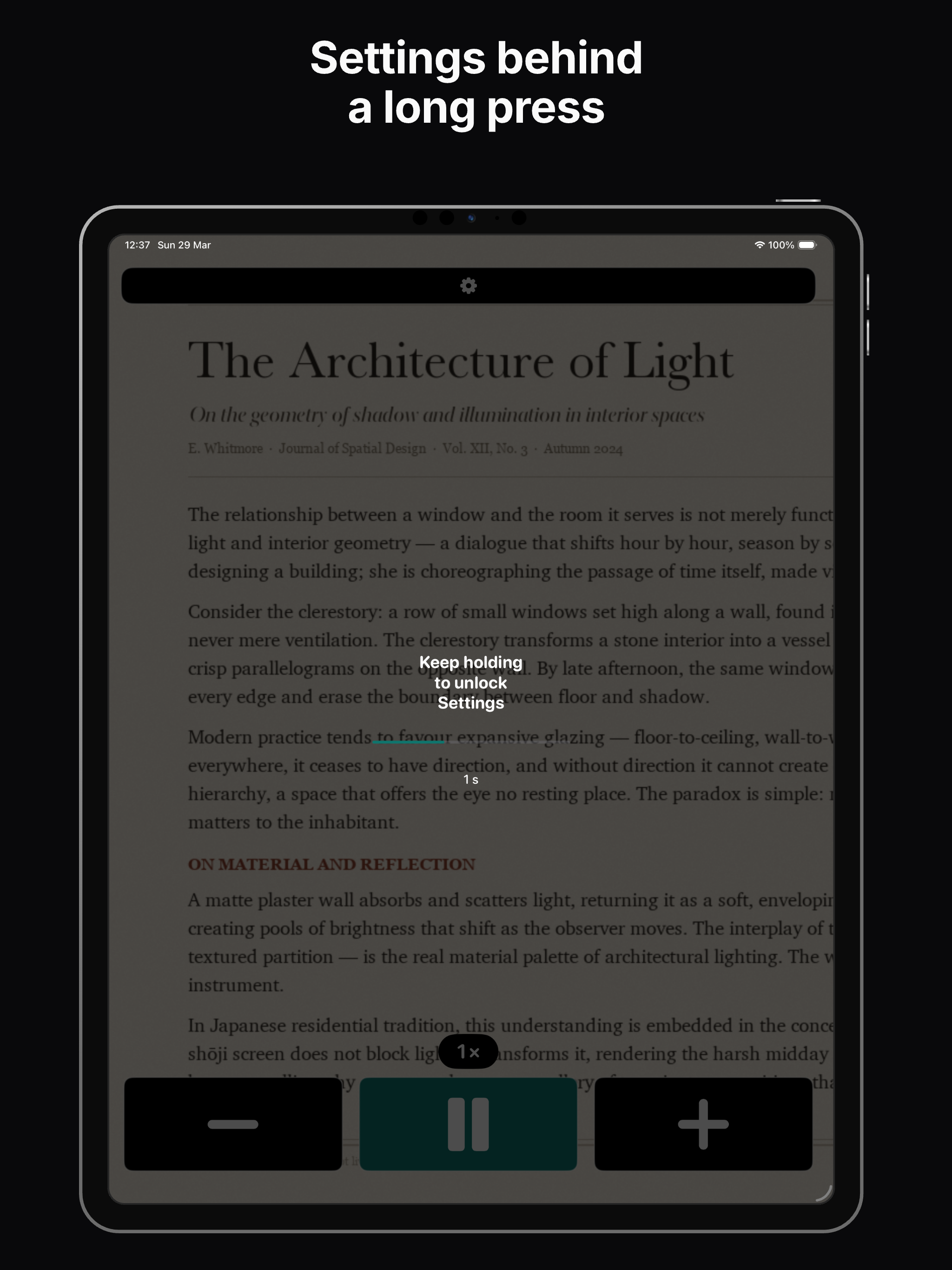
Press and hold the gear button until the progress ring completes. You can change the hold duration in Settings after the first unlock.
Wait a few seconds; you may see a loading message with Reload. If it persists, force-quit the app and reopen, and check Camera permission in iOS Settings.
Yes, on devices with a rear torch: tap the flashlight button. You can enable automatic flashlight in Settings in very dark scenes.
It is built as a practical tool for low vision—no account required for the magnifier. Distribution follows the App Store in your region.
Reading labels, mail, menus, and fine print; inspecting objects; comfortable reading with high contrast. Designed for low vision and tremor—not for covert recording.